
For care homes and home care services

Nobody in your care should feel out of touch.

OAPal is the private social network built for later life. Residents chat with friends, share photos with family and tell you how they feel today, all with big, bright buttons on an iPad or phone.

  • No adverts, no strangers
  • You approve every family member
  • Works on any iPad, tablet or phone
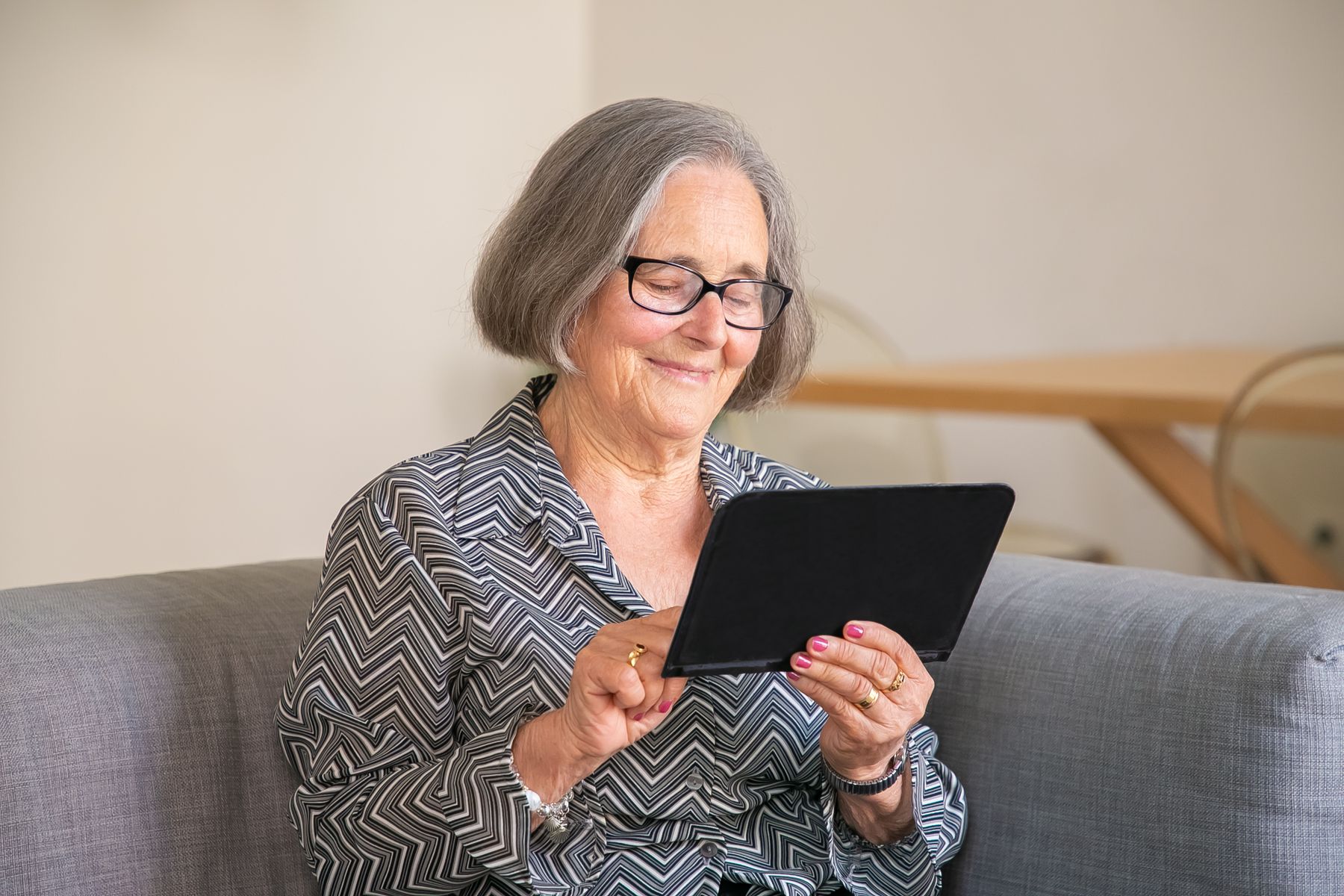
A smiling older woman using a tablet on her sofa
Private to your serviceEach care home or care team gets its own closed site. Nobody outside can see in.
Made for older hands and eyesHuge buttons, large text, bright colours and a "Read to me" button on every post.
You stay in controlYour manager adds every resident, approves every relative and looks after the notice board.

One screen. Six big buttons.

If they can tap a picture, they can use OAPal.

We removed everything that makes ordinary social media hard: no menus to hunt through, no tiny icons, no passwords to remember beyond a simple PIN. Every screen has one big yellow Home button to get back to the start.

  • ๐Ÿ’ฌ Messages Chat one-to-one with friends, family and the care team. Quick replies like "Yes" and "Please call me" take a single tap.
  • ๐Ÿ“ My Wall Each resident has their own wall to share news and photos with everyone in the home.
  • ๐Ÿ“Œ Notice Board One shared board for the whole community, looked after by the site manager.
  • ๐Ÿ‘ช Family & Family Photos A private space for each resident and their approved relatives to swap messages, photos and videos.

Two things other platforms don't do

Built around care, not just conversation.

An older woman smiling and waving at her tablet
Daily Check-in

"How are you today?" One tap tells you.

Every day, each person taps a face: great, OK or not so good. Your team sees at a glance who is low, who has asked for a call and who hasn't checked in yet.

People living alone at home are listed first, so a quiet morning never goes unnoticed.
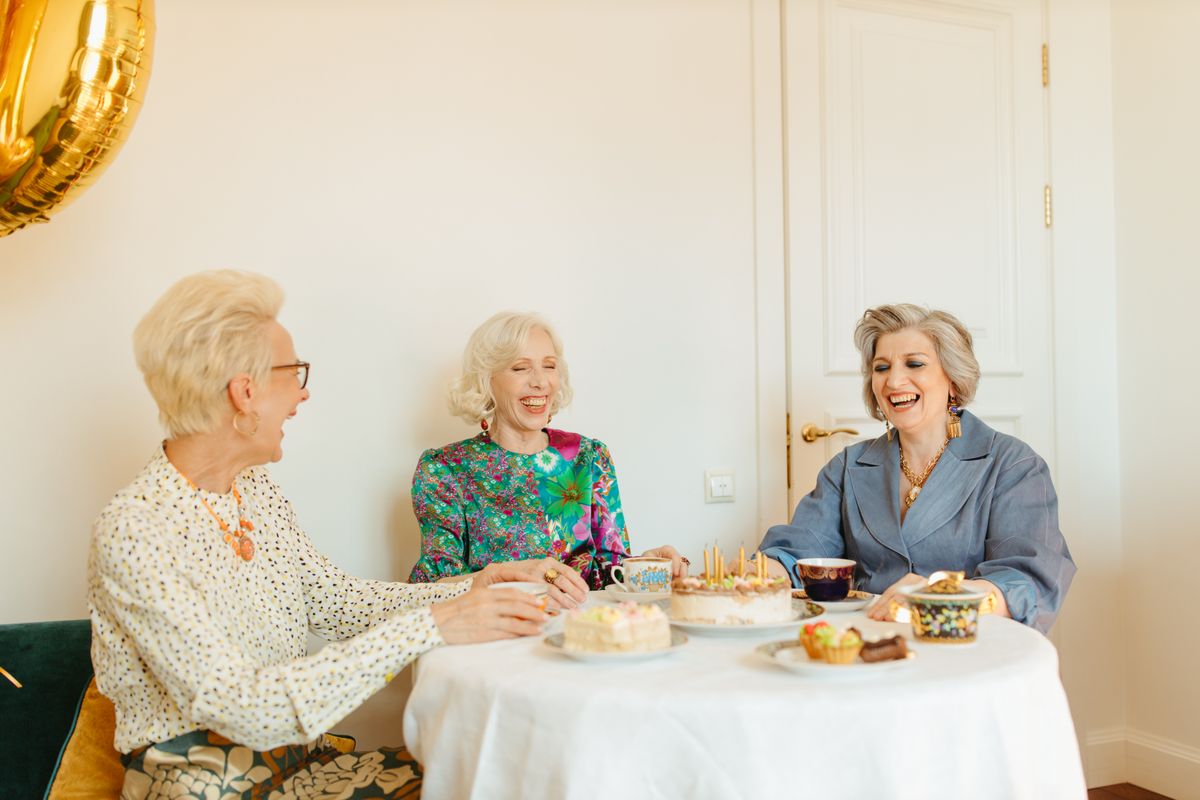
Three older friends laughing over tea and cake
What's On

Fuller activity rooms, with one big "I'm coming!" button.

Post your bingo, sing-alongs and trips out. Residents tap to join and you see who's coming before you set out the chairs.

Families can see what Mum has planned this week, and home care clients can join in with the community too.

Who it's for

One community, wherever people live.

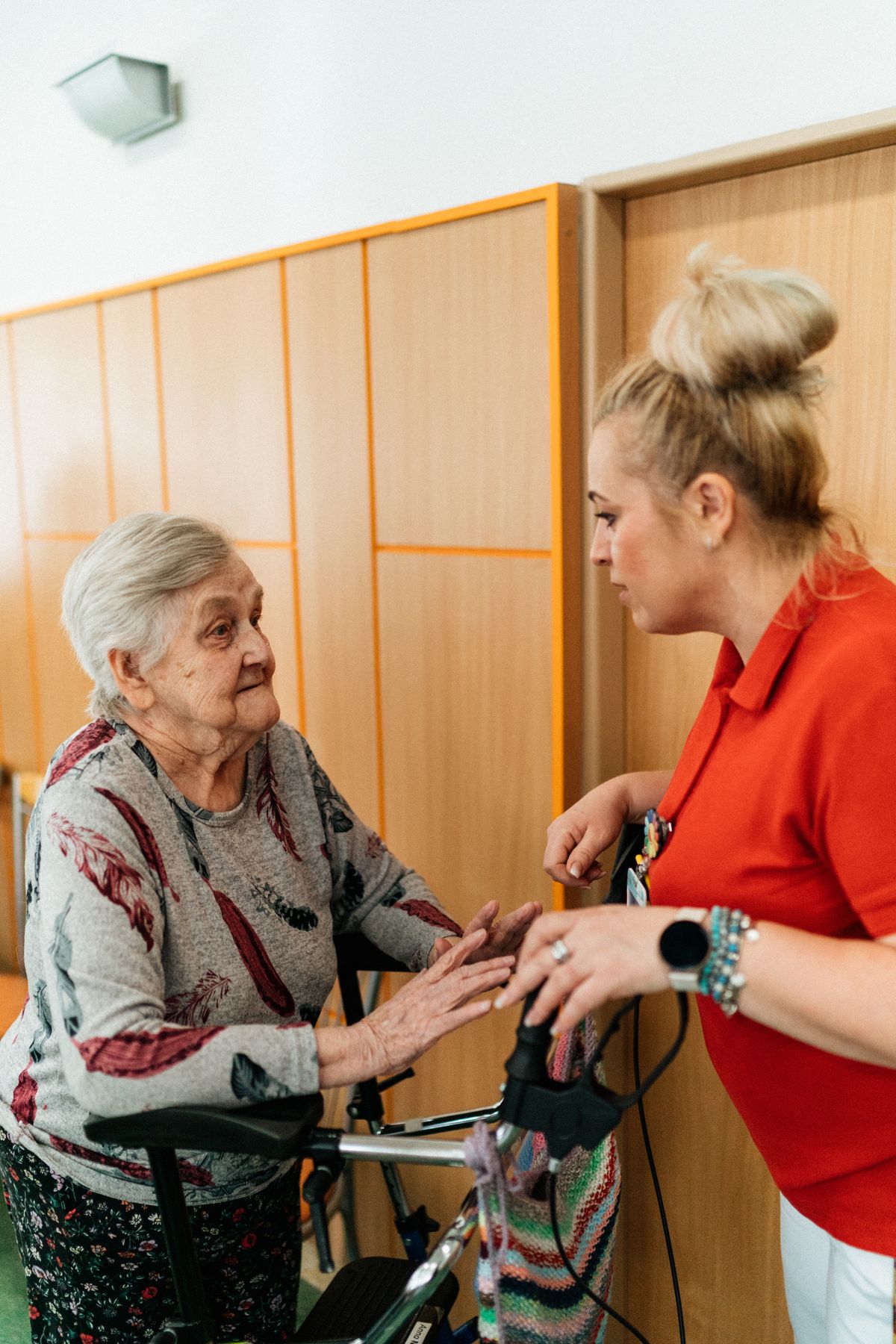
A care worker chatting with a resident in a care home corridor

Care homes

Give residents a lively community of their own, keep families involved without endless phone calls to the office, and put your activities and notices in everyone's hands.

  • Residents, team and families in one place
  • A notice board you manage
  • Fewer "how is Mum?" calls to reception
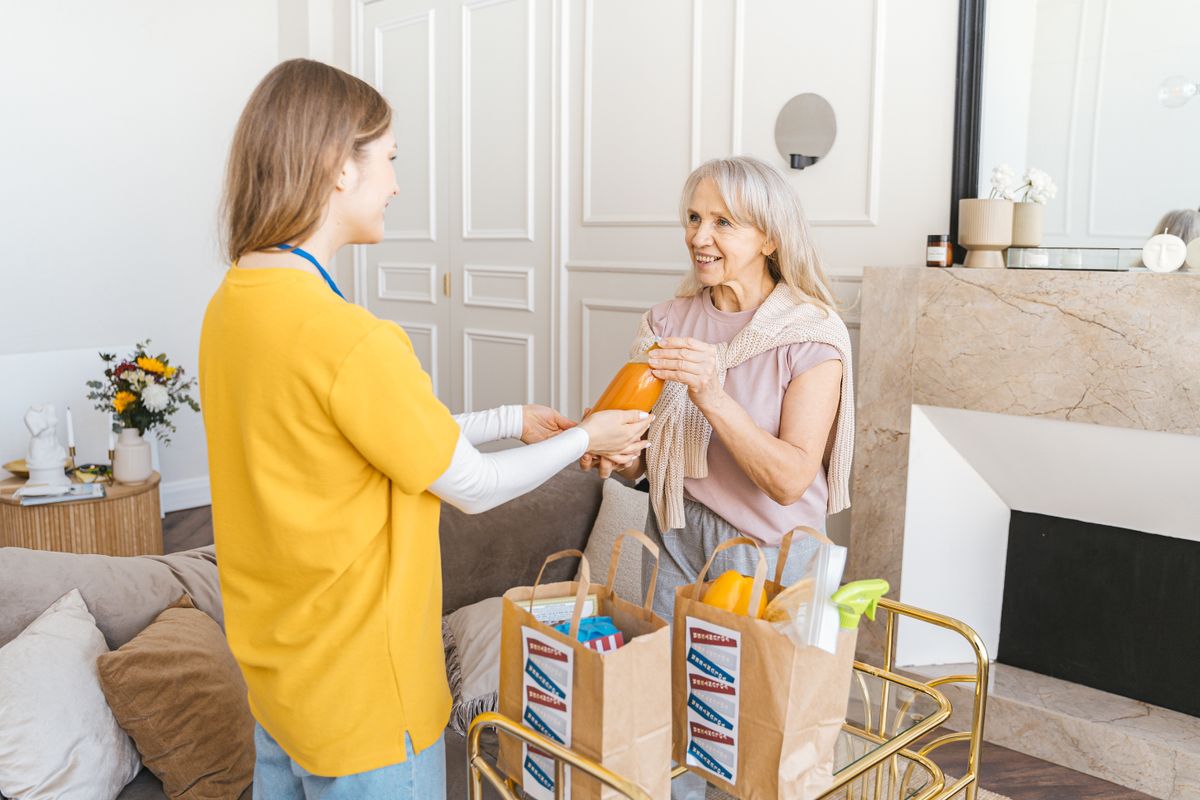
A home care worker delivering shopping to an older woman at home

Home care services

For people cared for in their own homes, OAPal fills the long gaps between visits. They can chat with their carers, make friends with others on your books and check in every morning.

  • Daily check-ins flag who needs a call
  • Company between visits
  • Run a home and a home care round from one site
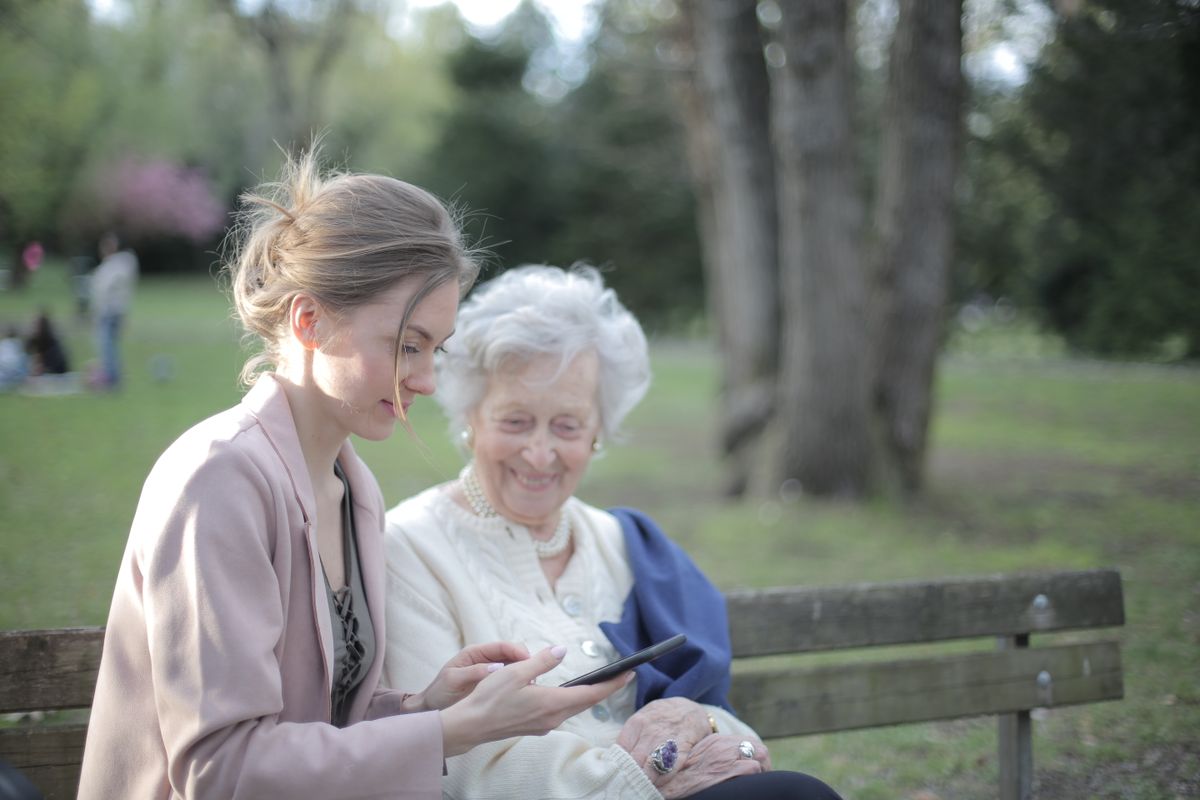
A younger woman showing her grandmother something on a phone

Families

Relatives join free with an invite code. They see Gran's wall, share photos and videos to the family wall and message her directly, from their own phone, anywhere.

  • Private family photo wall
  • See the notice board and what's on
  • No app store needed

A safe space, by design

The safeguards you'd expect. Already switched on.

Older people are targeted online every day. OAPal is a closed network: the only people a resident can ever meet are the ones you have let in.

  • Closed sites Each service is its own private community. There is no public search and no way to message between sites.
  • Every relative is approved A resident can ask to add family, but nobody joins until the site manager says yes.
  • Manager moderation Pin important notices, hide or remove anything unsuitable from the notice board and walls.
  • Private photos Photos and videos are only shown to people signed in and allowed to see them. Family walls stay within the family.
  • No adverts, ever Nothing to click on by mistake, nothing being sold, no friend requests from strangers.

Up and running in an afternoon

Three steps to a connected community.

  1. 1

    We create your site

    Tell us about your home or service. We set up your private site and hand the keys to your site manager.

  2. 2

    Add your people

    Your manager adds each resident and team member with a simple username and PIN, and takes their profile photo.

  3. 3

    Invite the families

    Hand each relative an invite code. From then on, everyone is one tap away from each other.

See OAPal in your home.

Book a free, no-pressure demo. We'll set up a sample site, walk your team through it and answer every question.

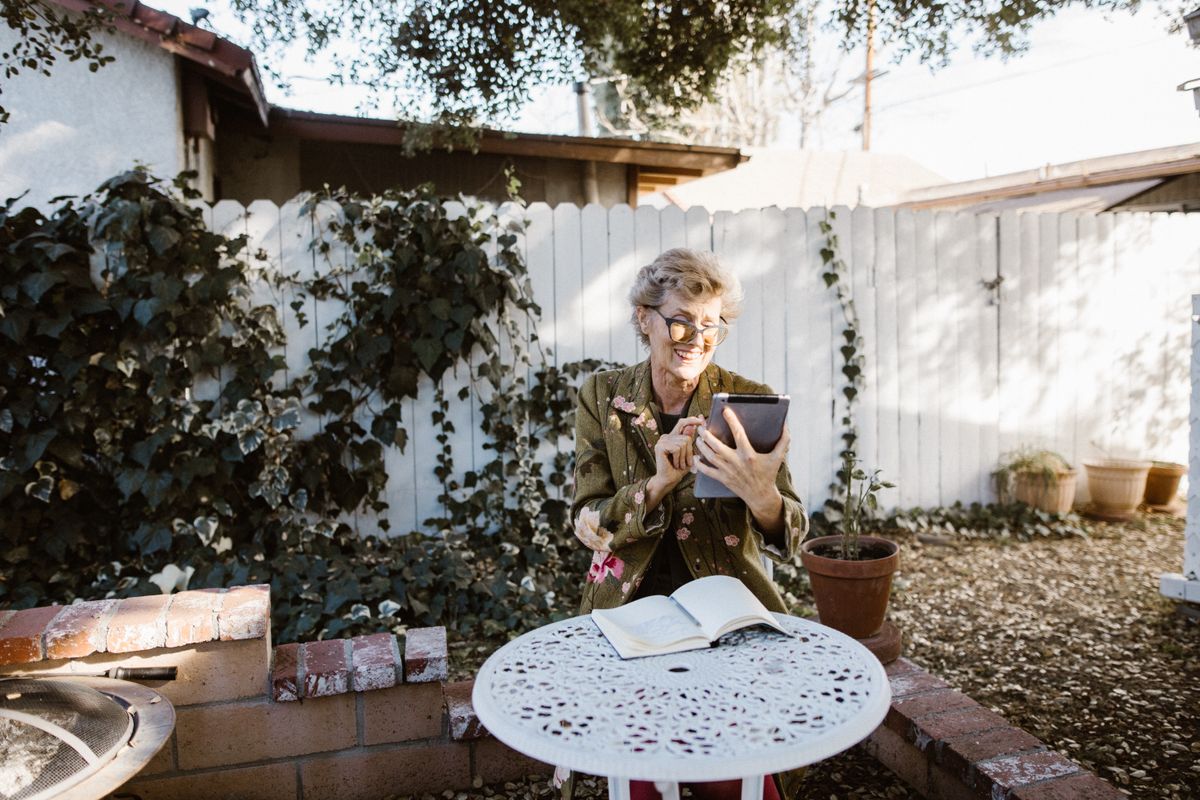
An older woman laughing while using a tablet in her garden